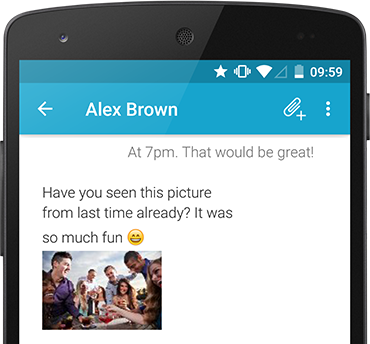
Go Premium to communicate easier and more convenient and personalize your Android app with individual colors. Lots of exciting SMS features are waiting for you.

Mirror texts from one phone to another phone
You own two phones, but you don’t want to carry both devices with you all the time? mysms mirror syncs your SMS inbox and call log from one phone to another phone.

Personalize mysms with your favorite theme
You can choose any theme or color you like: Dark colors for saving battery, blue colors for feeling cool, pink colors to embrace your girly side and many more colors that make you special.
Learn more

Powerful texting with mysms Premium
Managing your texts and calls becomes even more convenient with mysms Premium. Try it now to never lose a message again and to stay up to date on all your devices.
Learn more